
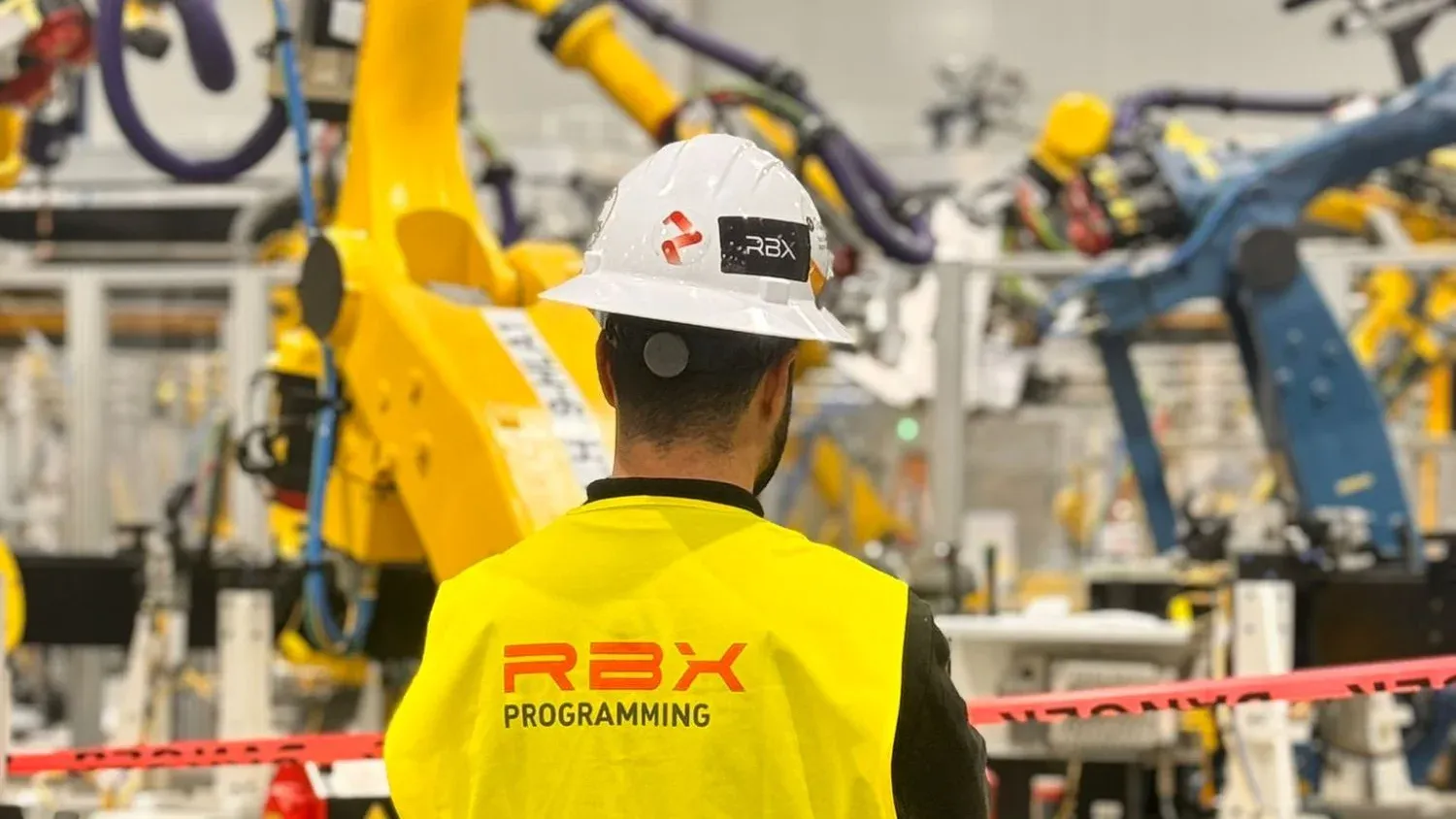
A welding robot does the same job whatever logo it carries: follow a path, at a given speed, with a given tool, in sync with the rest of the line. Programming it, however, is not the same across brands. ABB, FANUC, KUKA, Yaskawa and Comau each have their own language, controller, teach pendant and simulation software. In this article we explain what changes from one brand to another, what stays the same, and what to keep in mind when a plant runs several brands at once.
What doesn’t change between brands
Before looking at the differences, it helps to separate what every industrial robot has in common:
- Motion types: joint (the robot moves from one point to another along the path that is easiest for its axes), linear (the tool follows a straight line) and circular.
- Coordinate systems: the tool (the exact point where the gripper, gun or nozzle works) and the reference frame of the part or fixture.
- Signals with the line: inputs and outputs that connect the robot to the PLC, usually over PROFINET or EtherNet/IP.
- Safety: work zones, limited speeds and stops that protect people.
Anyone who masters these concepts on one brand is halfway there on the others. The other half is how each manufacturer expresses them.
Brand by brand
ABB: RAPID and RobotStudio
ABB programs in RAPID, a language structured into modules and routines, with its own data types for positions, tools, speeds and path accuracy. Its current controllers are IRC5 and OmniCore, programmed from the FlexPendant. Its offline simulation software, RobotStudio, runs a virtual copy of the actual controller, so what is tested on the computer behaves as it will on the shop floor. ABB also stands out in cells with several robots coordinated by a single controller (MultiMove).
FANUC: TP, KAREL and ROBOGUIDE
FANUC uses the TP (Teach Pendant) language: line-by-line programs, very direct, designed to be edited on the iPendant. Positions are stored inside the program itself and supported by numeric and position registers. For more complex logic there is KAREL, a high-level language used as a complement. Offline simulation is done in ROBOGUIDE. Its large installed base and the simplicity of TP mean many maintenance technicians already know it.
KUKA: KRL and KUKA.Sim
KUKA programs in KRL (KUKA Robot Language), with a Pascal-like syntax. Each program is split into two files: one with the logic and one with the point data. The KR C4 and KR C5 controllers are operated from the smartPAD, and offline simulation is done with KUKA.Sim. In automotive, KUKA is the reference brand at many German carmakers, and programs commonly follow very strict templates set by the carmaker itself.
Yaskawa: INFORM and MotoSim
Yaskawa (Motoman) uses INFORM, a language of short instructions organized into “jobs”. Motions are written with instructions such as MOVJ (joint) or MOVL (linear), with speed and blending level on the same line. Its current controllers belong to the YRC1000 family, and offline simulation is done with MotoSim. The brand is very common in arc welding and handling.
Comau: PDL2 and RoboSim
Comau programs in PDL2, a high-level structured language, also Pascal-inspired, with a lot of flexibility for logic, calculations and parallel tasks. Its robots run on controllers such as the C5G with the TP5 teach pendant, and offline simulation is done with RoboSim. Comau has a very strong presence in the automotive plants of the Stellantis group.
| Brand | Language | Controller | Teach pendant | Offline simulation |
|---|---|---|---|---|
| ABB | RAPID | IRC5, OmniCore | FlexPendant | RobotStudio |
| FANUC | TP, KAREL | R-30iB Plus | iPendant | ROBOGUIDE |
| KUKA | KRL | KR C4, KR C5 | smartPAD | KUKA.Sim |
| Yaskawa | INFORM | YRC1000 | Programming Pendant | MotoSim |
| Comau | PDL2 | C5G | TP5 | RoboSim |
The five brands at a glance.
The same move, in five languages
To see the difference at a glance, here is the same linear move to a point, at 500 mm/s and blending past it without stopping, written in each brand’s language:
| ABB · RAPID | MoveL p20, v500, z10, tool1\WObj:=wobj1; |
| FANUC · TP | UTOOL_NUM=1 ; UFRAME_NUM=1 ; L P[2] 500mm/sec CNT100 ; |
| KUKA · KRL | $VEL.CP = 0.5 LIN P2 C_DIS |
| Yaskawa · INFORM | MOVL C00002 V=500.0 PL=3 |
| Comau · PDL2 | $LIN_SPD := 0.5 MOVEFLY LINEAR TO pnt0002p ADVANCE |
Simplified examples. Exact syntax depends on the controller version and its configuration.
What really changes when you move between brands
- How the program is structured. RAPID and PDL2 support highly modular programs; TP and INFORM are more linear. This shapes how a library of reusable routines is designed.
- Where the points live. Some brands keep positions inside the program, others in a separate data file. This affects how they are edited, copied between robots and version-controlled.
- Path blending. Every brand lets the robot pass near a point without stopping, but each defines it differently (zones in ABB, CNT in FANUC, approximation distances in KUKA, PL levels in Yaskawa, MOVEFLY in Comau). Getting this wrong changes both cycle time and process quality.
- Tool and reference frames. The concept is the same, but the way the tool and part frame are defined, calibrated and selected differs, and a mistake here shifts the whole path.
- Software-based safety. Each brand has its own option for limiting zones and speeds in a certified way (SafeMove on ABB, DCS on FANUC, SafeOperation on KUKA, FSU on Yaskawa), each with its own configuration and validation.
- Cycle-time accuracy in simulation. When simulating on a common platform such as Siemens Process Simulate, cycle-time accuracy depends on using each manufacturer’s realistic robot simulation module. Without it, the calculated time may not match reality.
The carmaker’s standard matters as much as the brand
In automotive, the robot brand is only half the equation. Each carmaker imposes its own standard: program structure, routine names, error handling, communication with the PLC. A KUKA robot in a Volkswagen Group plant is not programmed the same way as a KUKA in a BMW plant. We cover this in detail in robotic automation in automotive: every OEM standard.
The robot brand changes; the method for validating it shouldn't.
How we do it at RBX Programming
At RBX Programming we work with ABB, KUKA, FANUC, Stäubli, Yaskawa and Comau, and we have programmed more than 1,000 robots. You can see the details on our robot brands page. Whatever the brand, the process is the same: offline programming on the cell simulation, following the carmaker’s standard, and validation of collisions, reach and cycle time through virtual commissioning. On-site commissioning is then done by the same team that programmed the cell, with no hand-offs.
Key takeaways
- The basic concepts (motions, tool, reference frames, signals, safety) are common to every brand.
- Each brand has its own language: RAPID (ABB), TP and KAREL (FANUC), KRL (KUKA), INFORM (Yaskawa) and PDL2 (Comau).
- The differences with the most impact are program structure, path blending, tool definition and software-based safety.
- In automotive, the carmaker’s standard shapes the program as much as the robot brand.
- Offline simulation makes it possible to validate any brand before reaching the plant.
Frequently asked questions
Which robot brand is easiest to program?
Can every brand be programmed with the same software?
Can an ABB robot programmer program a KUKA?
What is offline robot programming?
Why do some plants run robots from several brands?
Conclusion
Switching robot brands means switching languages, not trades. The principles are the same, but each manufacturer has its own way of writing the program, blending paths or configuring safety. In plants with several brands, what makes the difference is a common method: program offline, validate in simulation and reach the plant with a program that already works.